Creating a relaxing home office environment is essential for anyone working from home. A well-designed workspace not only boosts productivity but also promotes comfort and well-being. Whether you’re setting up a new home office or looking to improve your current space, these tips will help you create a calming, efficient environment that supports your daily tasks and reduces stress.
Why a Relaxing Home Office Matters
When you work in a space that feels inviting and comfortable, you’re more likely to stay focused and motivated. A cluttered or uncomfortable environment can lead to distractions, fatigue, and decreased efficiency. By prioritizing relaxation and comfort, you can create a workspace that encourages creativity and helps manage the challenges of working remotely.
—
Choose the Right Location
Find a Quiet Spot
Select a part of your home that is as quiet and distraction-free as possible. Ideally, this should be in a low-traffic area, away from the noise of household activities. A peaceful spot helps you concentrate better throughout the day.
Consider Natural Light
Natural light is one of the best mood boosters and productivity enhancers. Position your desk near a window to enjoy daylight, but avoid glare on your computer screen by using blinds or curtains if necessary. If natural light is limited, invest in quality light sources that mimic daylight.
—
Invest in Comfortable Furniture
Ergonomic Chair and Desk
Comfort starts with proper furniture. An ergonomic chair that supports your back and promotes good posture is key to preventing discomfort and long-term health issues. Pair it with a desk at the right height for your body to create a balanced workspace.
Adjustable Elements
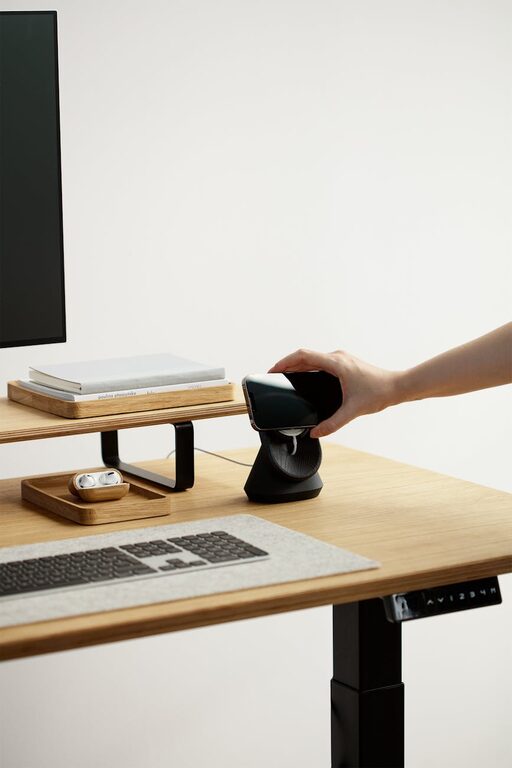
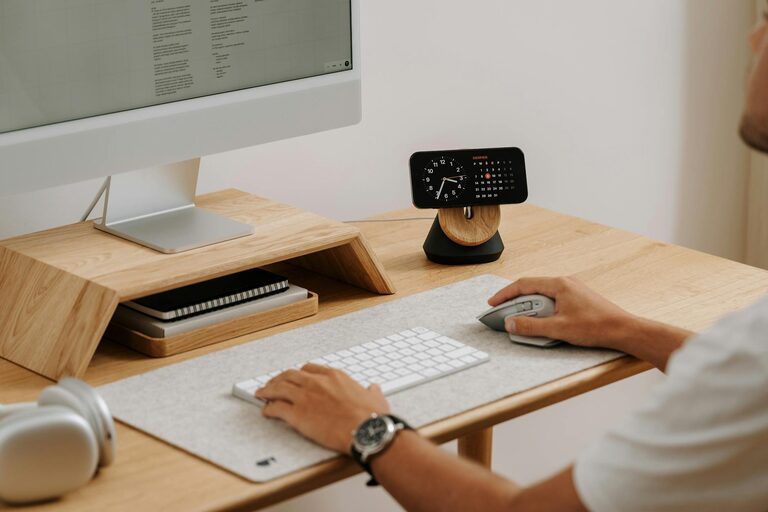
Consider furniture and accessories that can be adjusted to your preferences, such as a sit-stand desk or monitor stands. Changing positions during the day reduces strain and helps keep you energized.
—
Organize to Reduce Clutter
Keep It Minimal
A clutter-free desk helps your mind focus on tasks. Keep only essential items within reach and store other supplies in drawers or shelves. Use organizers, trays, or baskets to manage papers and tools neatly.
Digital Declutter
Maintain a clean digital workspace as well. Regularly organize your files and emails to reduce mental clutter and find what you need quickly.
—
Use Soothing Colors and Decor
Calming Color Palette
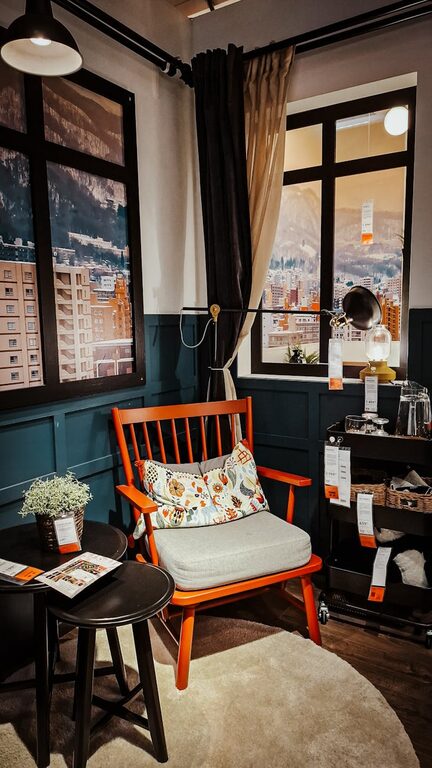
Choose colors that promote relaxation and concentration. Soft blues, greens, and neutral shades are excellent choices. Avoid overly bright or harsh colors that might cause tension.
Personal Touches
Add personal but subtle touches like plants, artwork, or inspirational quotes. Plants not only enhance aesthetics but can also improve air quality and create a calming atmosphere.
—
Control Noise and Distractions
Soundproofing Techniques
If outside noise is an issue, consider soundproofing options such as thick curtains, rugs, or even foam panels designed for rooms. These help absorb sound and create a quieter environment.
Use Background Music or White Noise
Some people work better with background music or white noise. Experiment with these options to find what helps you focus best, using playlists designed for concentration or sound machines.
—
Maintain Good Air Quality
Ventilation
Fresh air keeps your mind alert and reduces fatigue. Open windows regularly or invest in an air purifier if you live in an area with poor air quality.
Indoor Plants
As mentioned, plants are great for improving indoor air quality. Easy-care options like snake plants or pothos require minimal attention and add life to your office.
—
Set Boundaries and Routine
Clear Work Hours
Establish specific work hours to separate professional time from personal time. This structure helps reduce stress and maintain a healthy work-life balance.
Define Workspace Limits
Designate your home office solely for work if possible. Avoid turning it into a place for other household activities to keep your mind in “work mode” when you enter the space.
—
Incorporate Break and Stretch Areas
Give yourself permission to take regular breaks away from the computer. If space allows, include a small comfortable chair or mat for stretching, meditation, or short rests. Physical breaks help refresh your mind and prevent burnout.
—
Optimize Technology Setup
Efficient Equipment
Use reliable and efficient technology to avoid frustrating interruptions. Fast internet, a good quality headset, and a functional webcam can smooth out your workday.
Cable Management
Organize cables neatly using clips or sleeves to reduce visual clutter and prevent accidents or damage to equipment.
—
Final Thoughts
Creating a relaxing home office environment is about balancing function and comfort. With thoughtful choices in location, furniture, organization, and ambiance, your workspace can become a place that inspires productivity and well-being. Remember, it’s important to tailor the space to your personal preferences and needs to make working from home not only effective but enjoyable.
By implementing these tips, you’ll find it easier to focus, feel comfortable during long work hours, and maintain a positive mindset throughout your day. Happy working!
About the Author